From first call to final invoice.
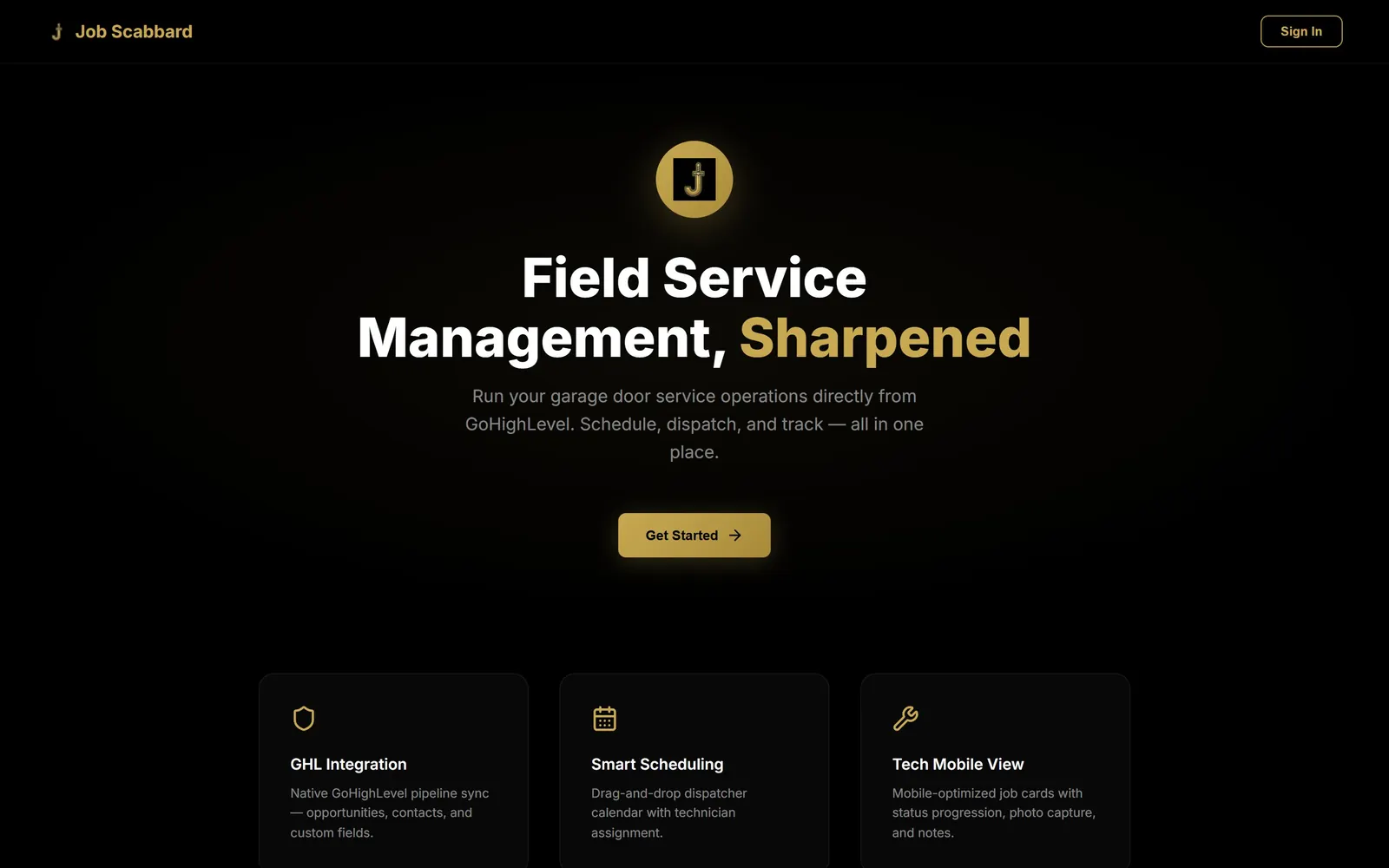
Alpenglow Studio connects JobScabbard with Excalibur CRM so contractors and field service teams run estimates, crew scheduling, live GPS job mapping, mobile technician checklists, and invoicing in one workflow. Every approved quote flows straight onto your dispatch board without re-typing customer details between marketing and field operations.
Built end-to-end for real business growth.
From the first phone call to the final invoice. Build estimates, schedule your crew, see every job on a live map, send techs their day on their phone, and collect payment — connected to the same dashboard as your marketing.
Itemized Estimates & Payment Schedules
Build clean multi-line estimates with deposits, progress draws, and balance due dates that convert into scheduled jobs on approval.
Drag-and-Drop Crew Dispatch
Assign crews, multi-day installs, and service calls on a visual calendar so office staff and field techs always share one schedule.
Live GPS Job Map
Pin active estimates, scheduled installs, and emergency repairs by county and route nearby crews efficiently.
Mobile Technician Field View
Field techs open their phone to see daily stops, one-tap driving directions, scope notes, and push notifications for schedule changes.
Job-Site Photos & Printable Sheets
Attach before-and-after photos, measurements, and signatures straight to the job record—or print clean shop/crew sheets in one click.
Invoicing & Automated Review Handoff
Collect invoice balances online and automatically trigger your post-job Google review request the moment a job closes out.
Try JobScabbard dispatch, estimates & Web CMS live in your browser
Explore a realistic service business inside our interactive demo—switch between the GPS dispatch board, itemized estimates, field checklists, and connected CRM pipeline.
Bridge the gap between CRM & field crews.
Most contractor software traps customer data in one silo while marketing runs in another. Connecting JobScabbard and Excalibur puts office and field on one track.
| Workflow | Alpenglow + JobScabbard | Standalone Field Apps | Paper Folders & Whiteboards |
|---|---|---|---|
| Lead-to-Job Sync | Two-way sync with Excalibur CRM | Separate contact list / manual CSV | Re-typed from scratch |
| Estimates & Payment Draws | Itemized quotes with deposit schedules | Often locked to high per-seat tiers | Static PDFs or handwritten slips |
| Crew Calendar & Live GPS Map | Unified map + drag-and-drop board | Extra fleet/dispatch add-on | Whiteboard in the shop |
| Tech Mobile Photos & Notes | Saved right on the customer timeline | Lives inside app-only storage | Stuck in text threads |
| Post-Job Google Review Trigger | Fires automatically when marked Paid | Manual copy-paste link | Rarely happens consistently |
Real builds in production.
See how we apply this solution for manufacturers, contractors, and growing brands.

Straight answers on Job & Field Management.
What types of businesses use JobScabbard with Excalibur CRM?
Service contractors, overhead door companies, roofing and exterior crews, custom installers, and field repair teams use it whenever leads start on the website or phone and move through multi-step estimates, crew dispatch, site photos, and final invoicing.
Do field technicians have to learn a complicated desktop CRM?
No. Technicians get a focused mobile field view showing only what they need on the job site—today’s schedule, directions, scope notes, checklists, and photo uploads—while office managers keep full dispatch and billing control.
Can we split invoices into deposits and completion payments?
Yes. You can configure itemized estimates with automatic deposit percentages or milestone payment schedules and email or text payment links straight to the homeowner or commercial facility manager.
How does JobScabbard connect to our existing Excalibur or GoHighLevel account?
JobScabbard syncs natively with Excalibur / GoHighLevel contacts, pipelines, and automations, so updating a job status can automatically text the customer "crew on the way" or send an invoice and review link upon completion.
Pair it with the rest of your system.
Start with one solution or combine them—every service connects cleanly under one team.
Ready to put job & field management to work?
Tell us where your business is headed and we'll map out a custom plan, timeline, and investment range—usually within one business day.